iDEAL | Wero
Important information
The European Payments Initiative (EPI) has acquired the iDEAL payment system and is migrating the ecosystem to Wero, a new pan-European payment platform.
For more information about this initiative, you can visit the iDEAL website.
As a result, before March 31, merchants must update the iDEAL image to the new iDEAL | Wero branding in their checkout processes.
The payment flow will remain the same; this is simply a brand image update so that consumers can start becoming familiar with it.
As a merchant, what actions do you need to take? It will depend on your type of integration.
- Fullscreen and Iframe integrations: none. Paycomet will automatically update the logo and text as needed.
- Embedded or custom integrations: you must manually update all resources, logos, and texts where iDEAL appears, replacing it with iDEAL | Wero. This means displaying the new shared brand logo “iDEAL | Wero” and updating the text from “iDEAL” to “iDEAL | Wero”.
On this page, you will find the brand manual you must follow to implement the changes correctly, as well as the downloadable iDEAL | Wero logos you will need to use.
Operation
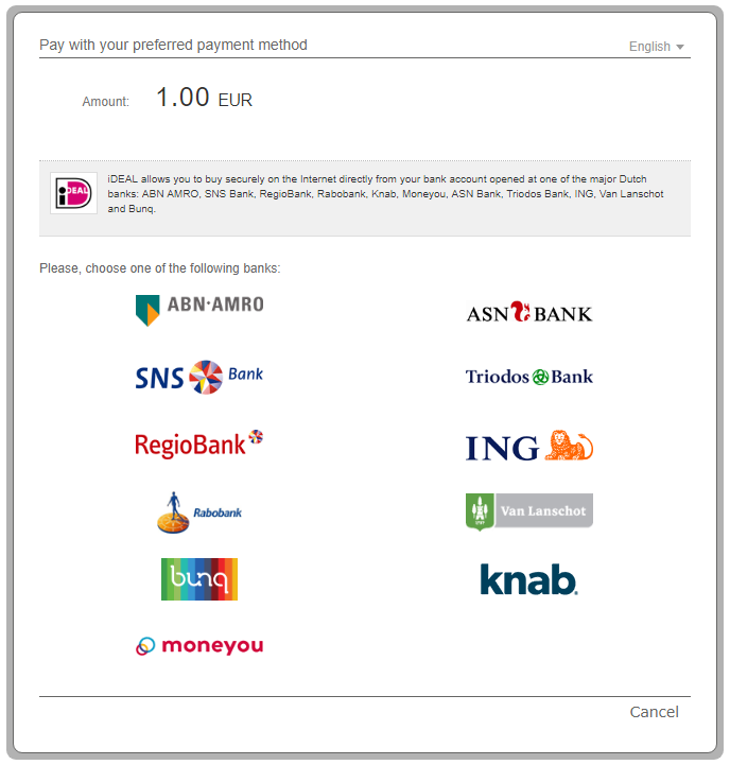
1. The customer selects the bank from the list.
2. The customer confirms the transaction by clicking on the Confirm Transaction button.
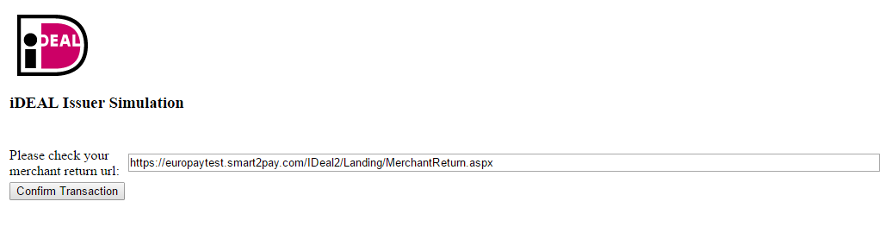
3. Upon completion of the payment flow, the customer is redirected to your ReturnUrl.
Back